
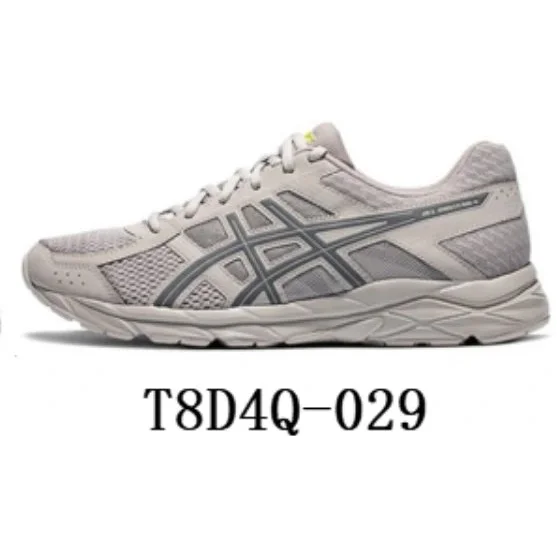
 959 QC photos
Litbuy Spreadsheet — Open Updated Finds & Categories
Open the Litbuy Spreadsheet to browse curated finds with QC photos by category or brand, then continue into the live catalog and paste seller links into LitBuy before shipping.
Independent informational site — not affiliated with LitBuy, Taobao, Weidian, 1688, or Tmall. We do not sell products or handle payments.
Enter one exact category or brand — try JEANS, NIKE, LJR, HOODIE, or DUNK.
Quick answer
What is the Litbuy Spreadsheet?
The Litbuy Spreadsheet is a searchable web catalog for LitBuy shoppers: curated on-site finds with QC photos, category and brand hubs, plus access to a larger live product catalog. Shortlist here, verify the live listing, then paste into LitBuy before you pay for international shipping.
Start with shoes, jeans, hoodies, Tech Fleece, wallets, bags, or a brand hub. Spreadsheet / site QC is research only — LitBuy warehouse photos are the GL/RL gate.
This site is not LitBuy customer support and does not sell products, process payments, or guarantee third-party prices or availability.
- 800
- curated on-site finds
- 800
- finds with QC photos
- 142,000+
- live catalog rows (API)
- 8
- category hubs
- 12
- brand hubs
Hot Selling
Browse Litbuy Spreadsheet →959 QC photos 307 QC photos
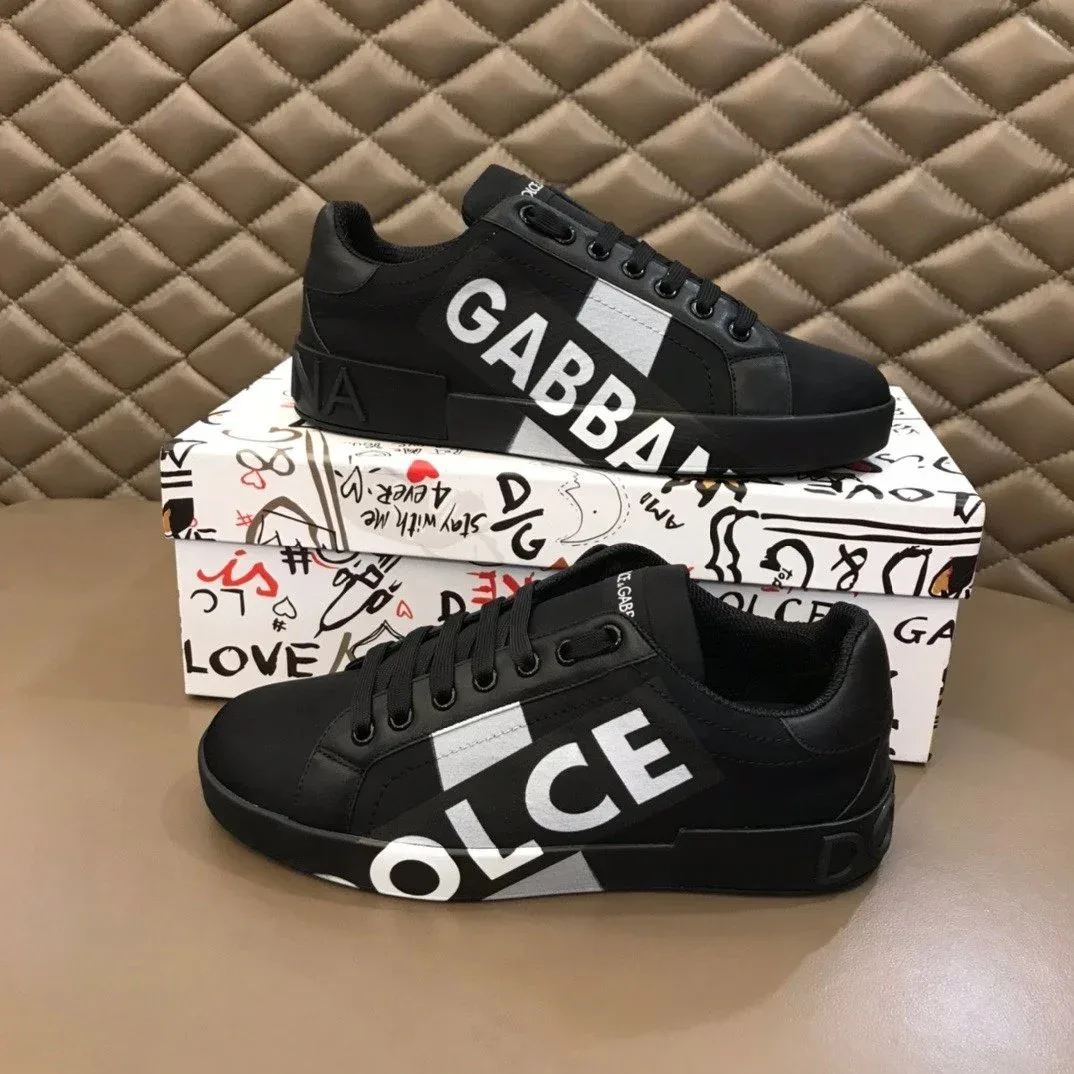 321 QC photos
 260 QC photos
 332 QC photos
 303 QC photos
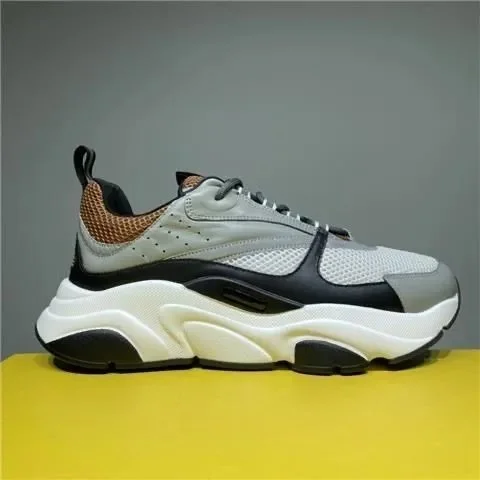 157 QC photos
 145 QC photos
 145 QC photos
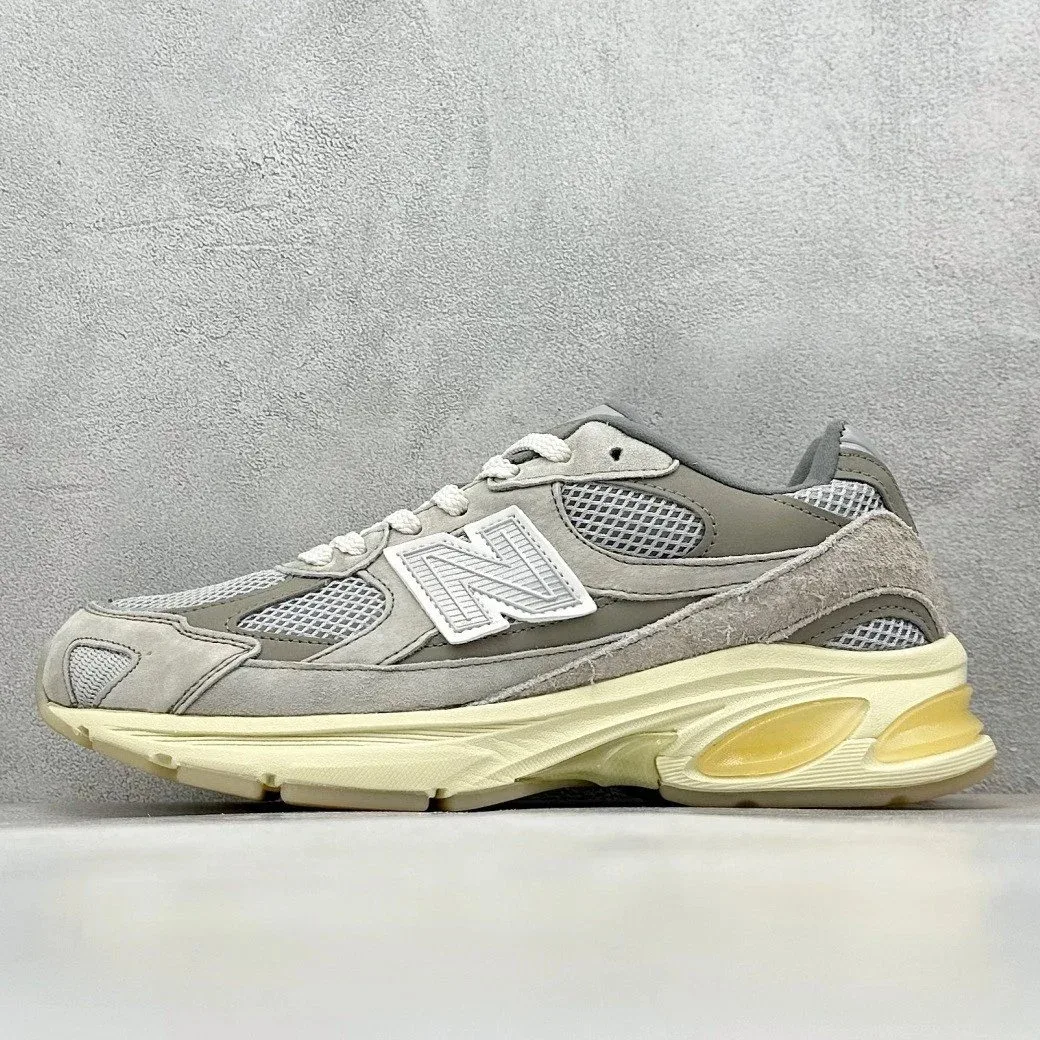 144 QC photos
 137 QC photos
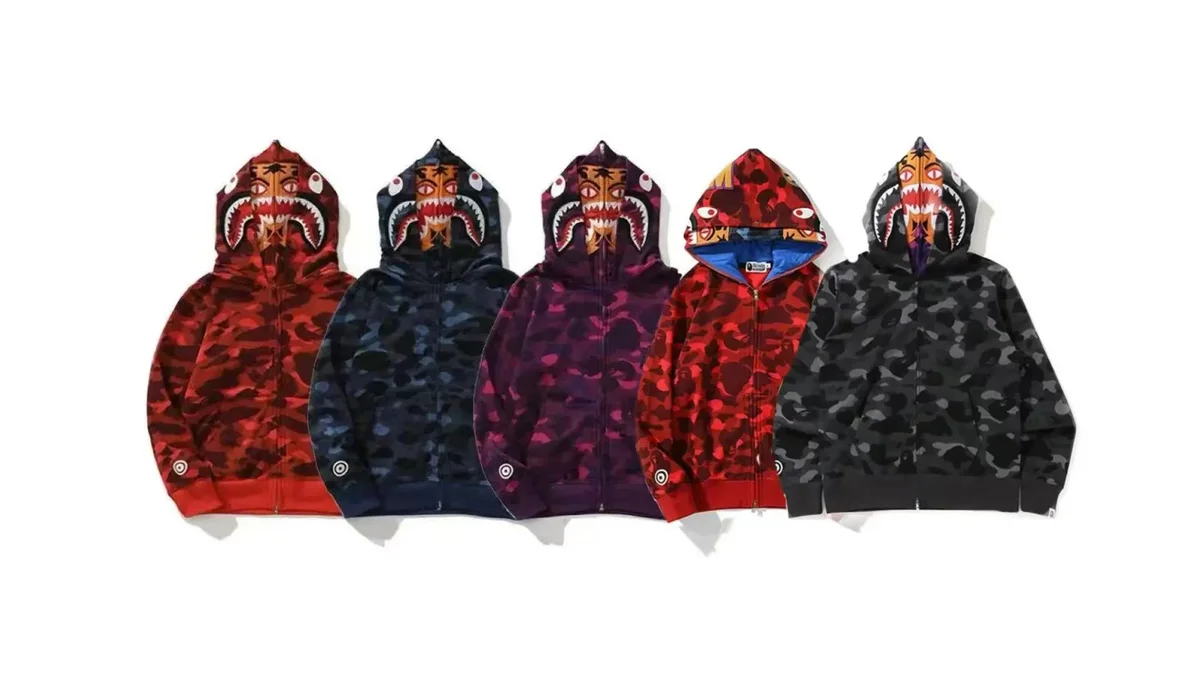 226 QC photos
New Arrivals
Browse Litbuy Spreadsheet → 238 QC photos
 808 QC photos
 145 QC photos
 141 QC photos
 252 QC photos
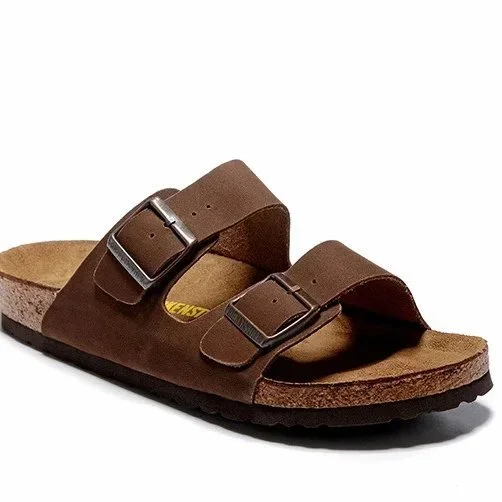 126 QC photos
 125 QC photos
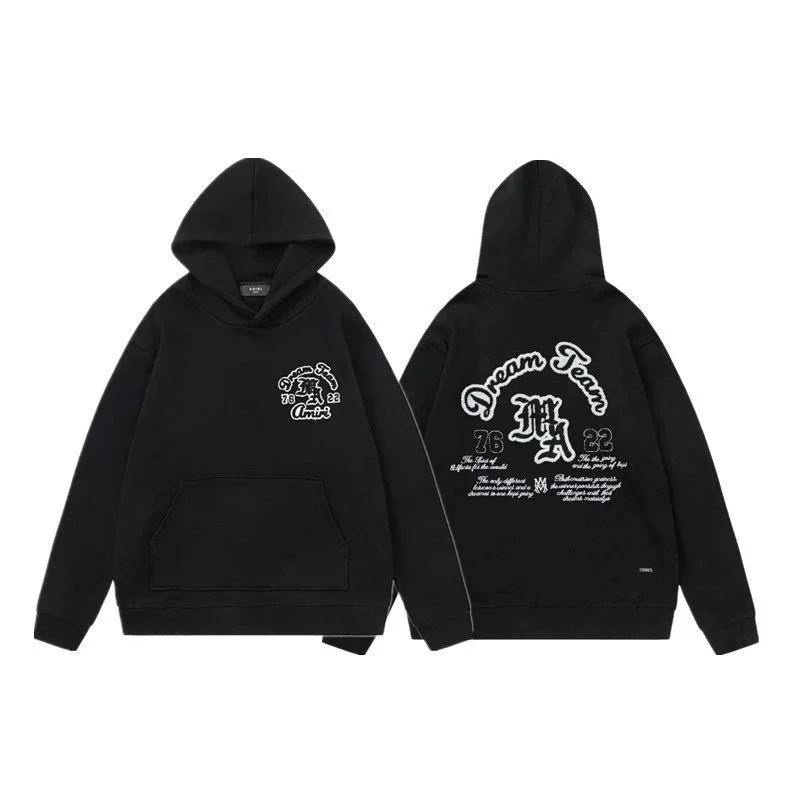 180 QC photos
 180 QC photos
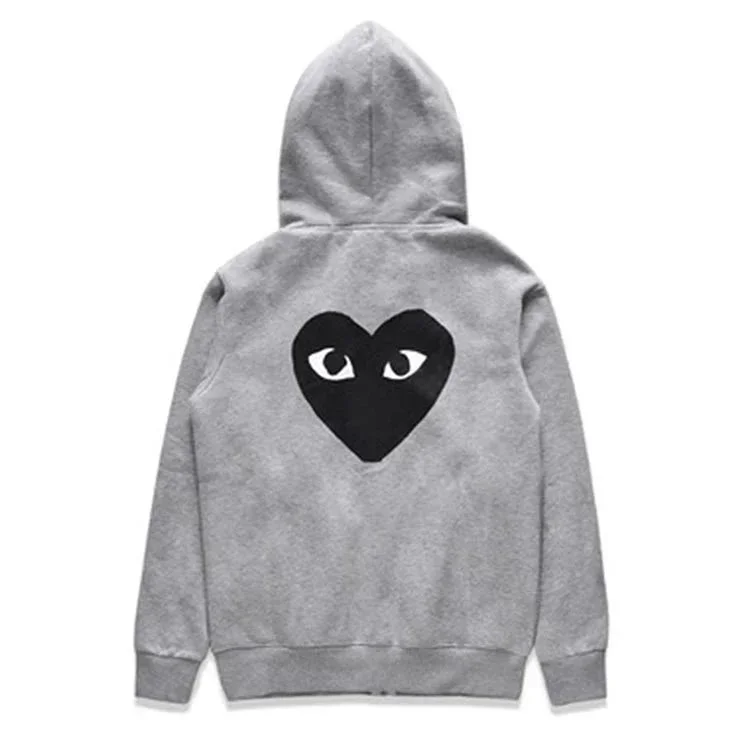 190 QC photos
 170 QC photos
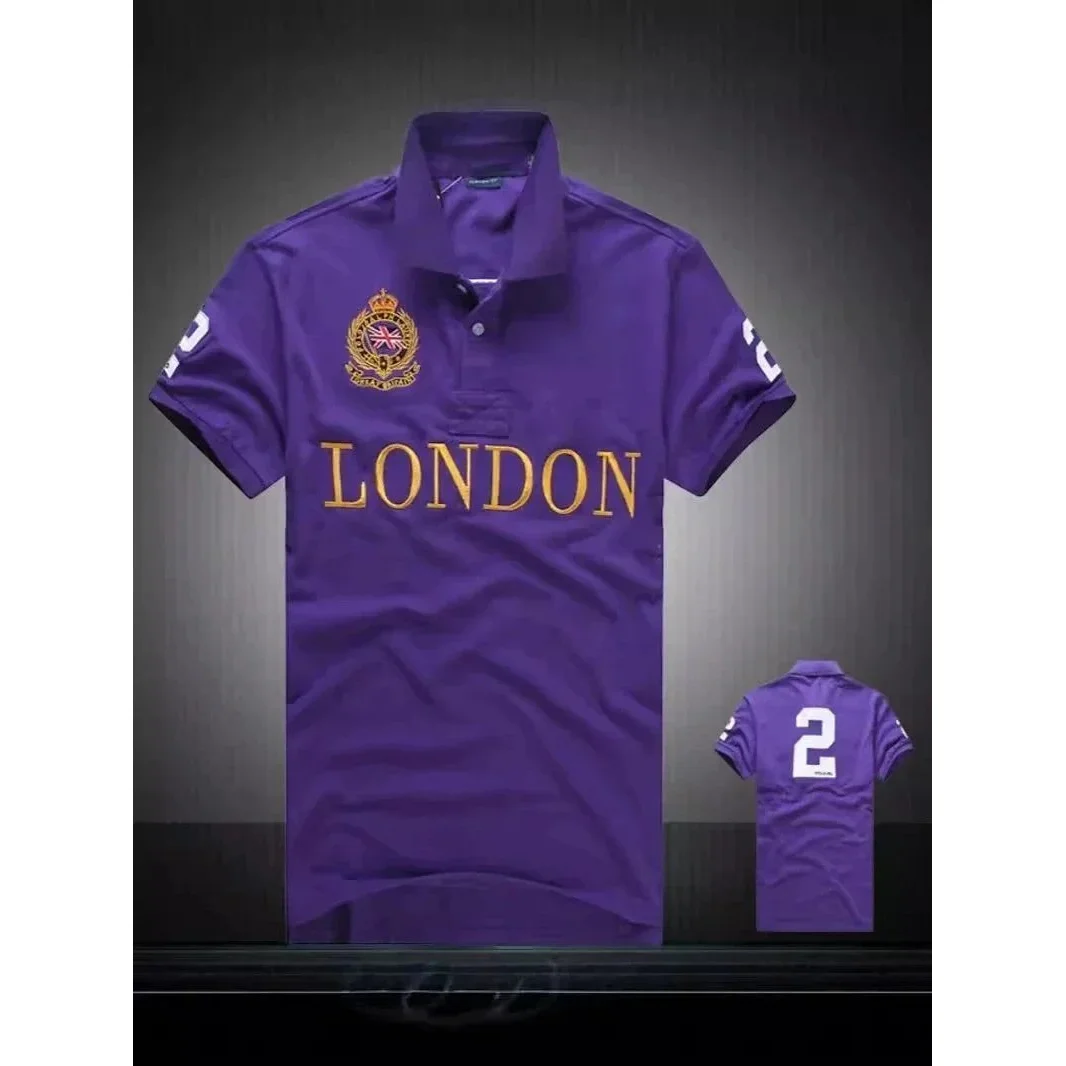 278 QC photos
Research
Read guides, blog & buyer hauls before you order
Step-by-step guides, in-depth blog posts, and real parcel recaps — set shipping, QC, and batch expectations before pasting into LitBuy.
- Step-by-step guidesBeginner flow, QC, shipping, coupons, and safety boundaries.Open guides hub →
- Blog researchShipping lines, batch notes, spreadsheet workflows, and FAQ.Read the blog →
- Buyer share haulsCommunity parcel recaps — freight, timing, QC, and in-hand notes (12 with Reddit permalinks).View buyer shares →
- Spreadsheet hubHow this catalog works with LitBuy — browse, paste, QC, ship.Open spreadsheet hub →
How to Use the Litbuy Spreadsheet
From browse to buy in four simple steps
- 1
Browse the Spreadsheet
Search by category, brand, or keyword — or pick a curated find from Hot Selling.
- 2
Verify the source listing
Open the on-site product notes, then verify the linked marketplace page, seller details, size, price, and availability before ordering.
- 3
Review QC at warehouse
When your item arrives at the LitBuy warehouse, check the 3–6 QC photos before approving shipment.
- 4
Ship internationally
Combine items into one parcel, choose a shipping line, and track delivery to your door.
800 curated finds · 800 with QC
On-site research cards with QC context — backed by {catalogCount}+ live catalog rows
Real QC photos
Reference shots on listings and at warehouse
Mobile-friendly
Faster than scrolling a Google Sheet
Verify current fees
Check the agent’s official fee schedule and checkout total before paying
Litbuy Spreadsheet FAQ
View all FAQ →What is a Litbuy Spreadsheet?
A Litbuy Spreadsheet is a curated list of Taobao, Weidian, and 1688 product links for LitBuy shoppers. Each row includes price context, QC references, and a direct link you paste into LitBuy to order.
Where do I find jeans and pants rows?
Open the Jeans, Pants & Shorts category hub for denim, cargos, and sweatpants — then open a product card and paste the seller URL into LitBuy.
Is this the official LitBuy website?
No. This is an independent discovery hub for LitBuy finds. We do not process payments or handle shipping — all purchases are completed on LitBuy.
How do I buy from the spreadsheet?
Open a product research page, review its notes and QC checklist, then verify the current marketplace listing. If you order through an agent, follow that service’s current checkout and warehouse-review process.
What are QC photos?
QC (Quality Control) photos are real pictures taken when your item arrives at the LitBuy warehouse. Spreadsheet rows often link older buyer albums — always review fresh LitBuy warehouse QC before approving shipment.
What is a batch?
A batch is a factory version of a product (e.g. LJR for Jordan 1s). Different batches vary in quality — cross-check batch names on r/FashionReps before ordering.